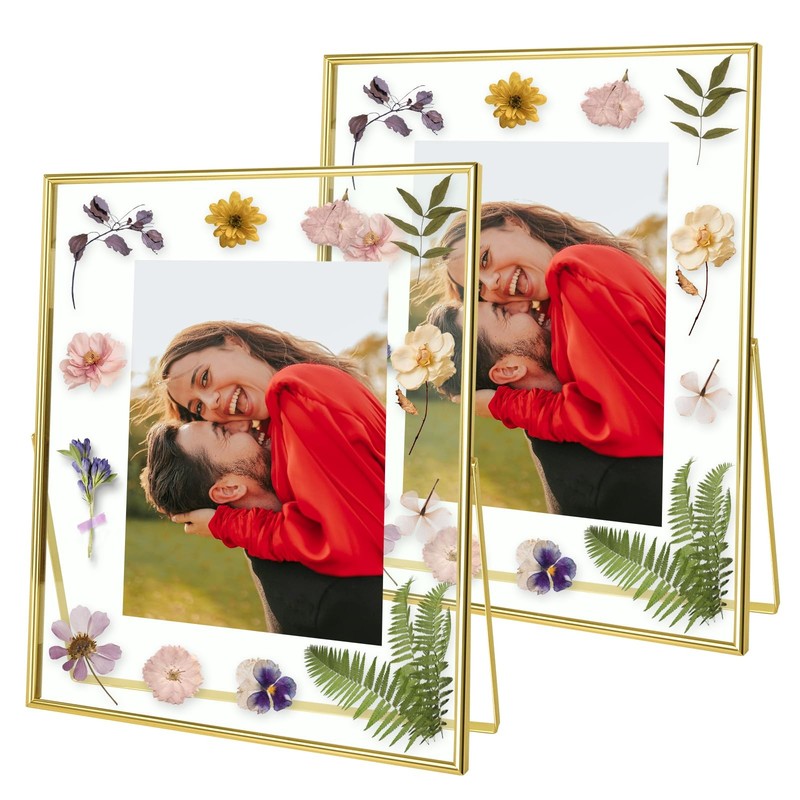




Gold Floating Frame (10x12inch,2 Pack), Picture Frame Hold 10x12in 8x10in 5x7...
USD 58.79 USD
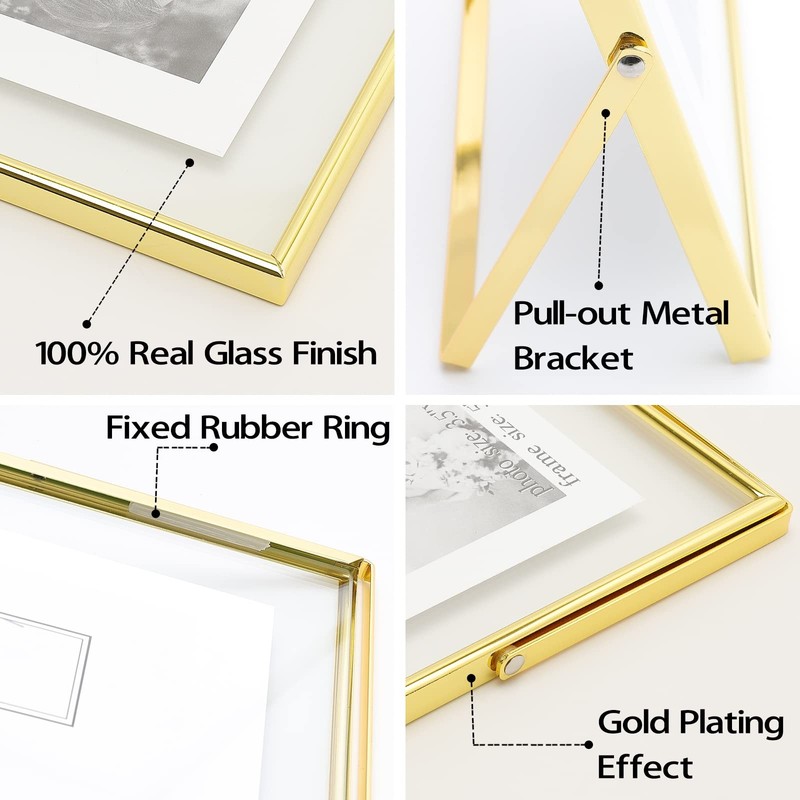
To create the “floating” effect, insert a photo that is smaller, and secure with a tiny piece of tape. 💝【REPLACING THE PHOTO】 You need to use a small screwdriver to remove the rubber strip, remove the two pieces of glass, then place the photos you want to display, and finally tuck the rubber strip back in.
Specifications
| Cover Material | Glass |
| Brand | Qiannhee |
| Item Display Weight | 3.5 |
| Target Audience | Unisex Adult |
| Finish Type | Polished |
| Size | 10X12 Inch |
| Style | Modern |
| Frame Material | Metal |
| Frame Type | Floater Frame |
| Color | Gold |
| Back Material | Cardboard |
| Item Shape | Rectangular |
| Orientation | Vertical |
| Material | Metal |
| Mounting Type | Tabletop |
| Care Instructions | Wipe With Dry Cloth |
| Unit Count | 2.0 |
| Package Dimensions LxWxH | 13.82x11.57x1.77 Inches |
| Weight | 4.03 Pounds |
To create the “floating” effect, insert a photo that is smaller, and secure with a tiny piece of tape. 💝【REPLACING THE PHOTO】 You need to use a small screwdriver to remove the rubber strip, remove the two pieces of glass, then place the photos you want to display, and finally tuck the rubber strip back in.